How to seat guests, build a wedding budget and organize the guest list, with practical examples for your event.
- How do I seat guests at tables for a wedding?
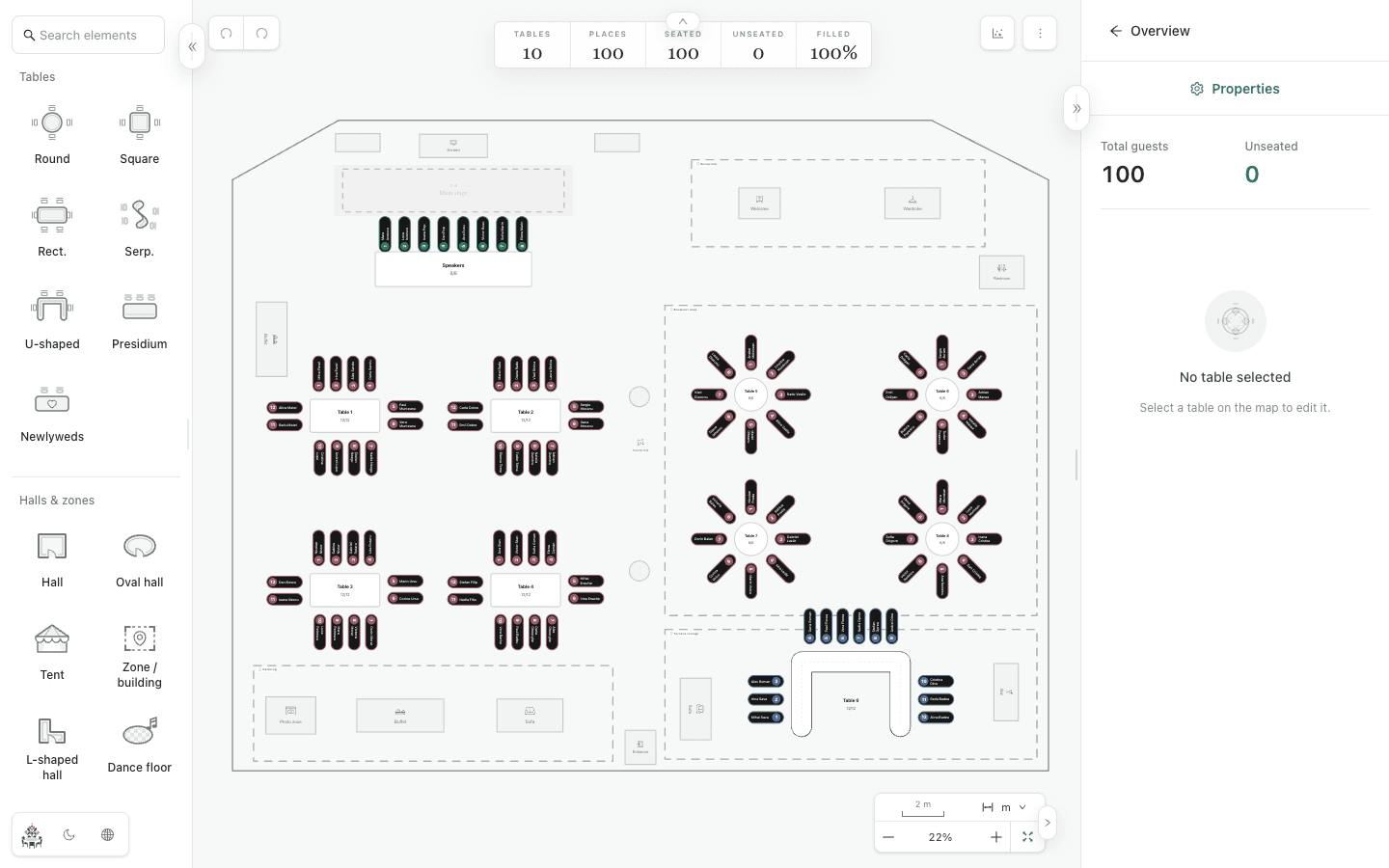
- Start with the guest list and the venue's table capacities. Group guests who know each other and keep couples together where possible. In Planlino, add your hall and tables in Space, set their seats and assign each guest a place. Review the unseated count and ask the venue to check entrances and walking routes before printing the final wedding seating chart.Wedding seating chart guide
- What should a wedding budget template include?
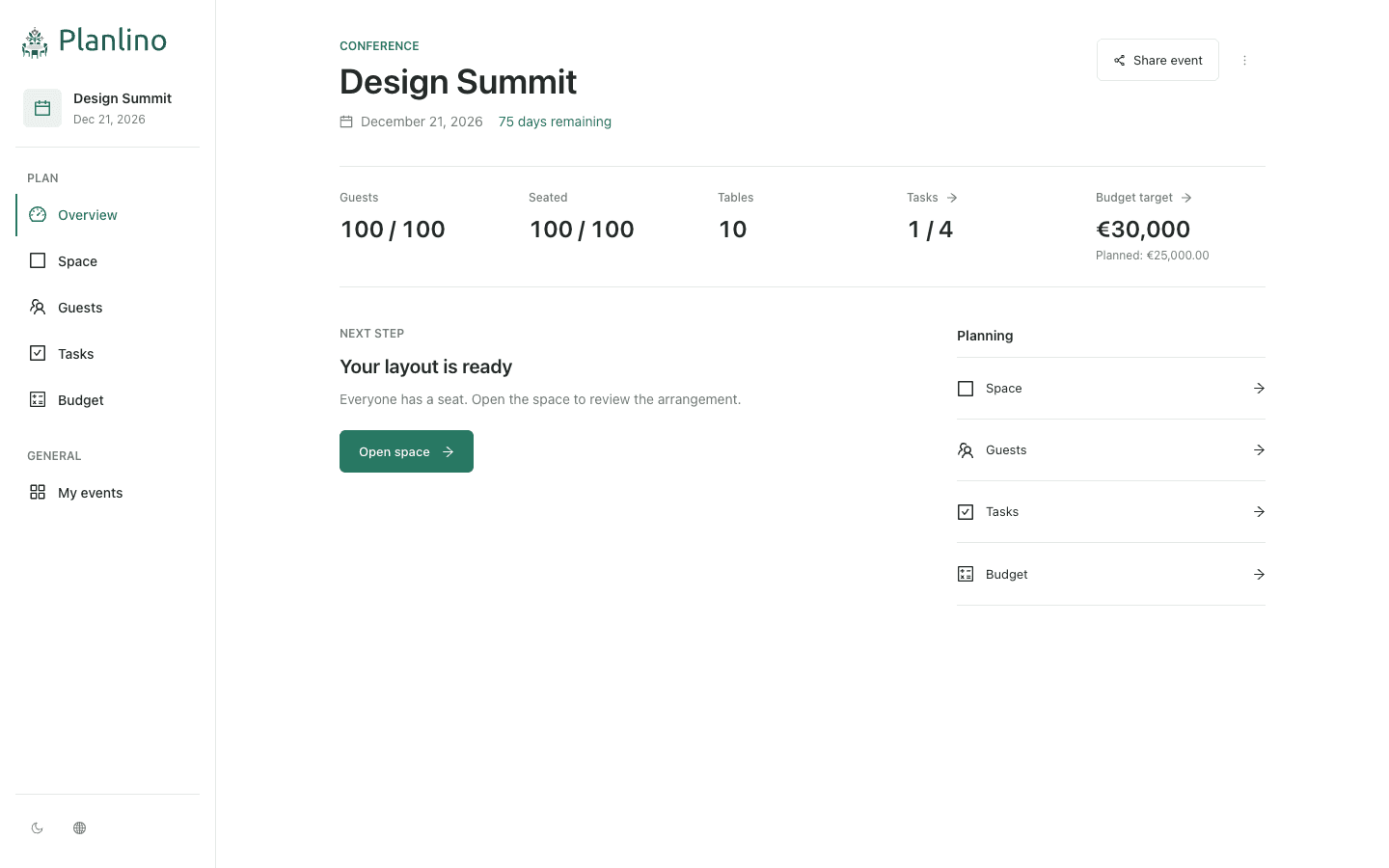
- Start with a total target and categories such as venue, catering, photography, music and decorations. For each expense, record an amount or quantity and unit price, then track whether it is planned or paid. For example, 100 meals at €50 each give a catering line of €5,000; add the other costs separately. In Planlino, enter this structure in Budget and use separate lines for a deposit and the remaining payment.Wedding and event budget example
- How do I organize a wedding guest list?
- Give each person a separate entry, including partners and children who need a seat. Check duplicate names, add labels such as Family or Friends and link couples as pairs. In Planlino, you can enter names or import a CSV, then use the same list for seating. Update attendance information yourself and check the unseated count before sending the final plan.Guest list organization guide
- How many tables do I need for 100 wedding guests?
- With 10 usable seats per table, 100 guests need at least 10 tables; with 8 seats per table, they need at least 13. Count the couple and any other people who need seats in your total. This is a capacity calculation: confirm the actual table sizes and room layout with the venue, then check that every guest has an assigned place.
- How do I keep couples together when seating wedding guests?
- Add guests and tables, define any guest pairs, then use automatic seating in Guests. It tries to place pairs at the same table before filling other places. You can preserve existing assignments or reassign everyone. Check the result: guests may remain unseated when there is not enough suitable space, and you can adjust seats manually.
- Can I import a guest list from Excel?
- Yes. Save your spreadsheet as a CSV file and import it in Guests. Use the downloadable template: a name column is required and a label column is optional. Check the preview before importing. Each file can contain up to 1,000 guests and be up to 1 MB; duplicate names are skipped.
- What should a wedding planning checklist include?
- Include confirming the venue, organizing the guest list, agreeing the menu, tracking supplier payments, reviewing the seating chart and sending the final plan to the venue. Give each task a deadline based on your event date and supplier agreements. In Planlino, add these tasks to the board and move them through To do, In progress and Completed, or your own statuses.Wedding and event planning checklist
- How do I print a wedding seating chart for the venue?
- Export a PNG of the layout, a PDF with the map and guest lookup, or an Excel guest and table list. Print the PNG or PDF, or send the downloaded file to your venue. Keep an event backup as well if you want to restore guests, tasks and budget later.
- How can I make a wedding seating chart online without an account?
- No account is required. Open the demo to explore a filled-in event, or create your own event from My events. A quick guide introduces the seating editor on your first demo or new event; you can reopen it from the map actions menu.
- Where is my event saved, and how do I make a backup?
- Your personal events are saved in this browser on this device. Export an event backup or your entire event library to keep a restorable JSON file. Clearing browser data, using a different browser or losing the device can make the local copy unavailable, so keep a backup outside the browser.
- Can I make a seating chart on my phone?
- Yes. The editor adapts to phones, tablets and desktop browsers. To move a full event to another device, export an event backup and import it there. The imported event is a separate copy; changes to personal events are not automatically synchronized between devices.
- What can someone see or change through a shared link?
- New sharing links open a read-only preview of the seating map, including the guest names shown there. You can protect access with a password, and the owner keeps editing access. The link does not share the full event budget or task board. Shared map data is encrypted before transmission; a shared link is not a permanent event backup.