
Wedding seating chart planner: arrange guests and tables
A wedding seating chart connects your guest list to the actual reception room. Start with the people attending, plan the tables around the venue, then assign individual seats. Planlino lets you revise the layout and guest assignments in the same event without signing up.
Create your event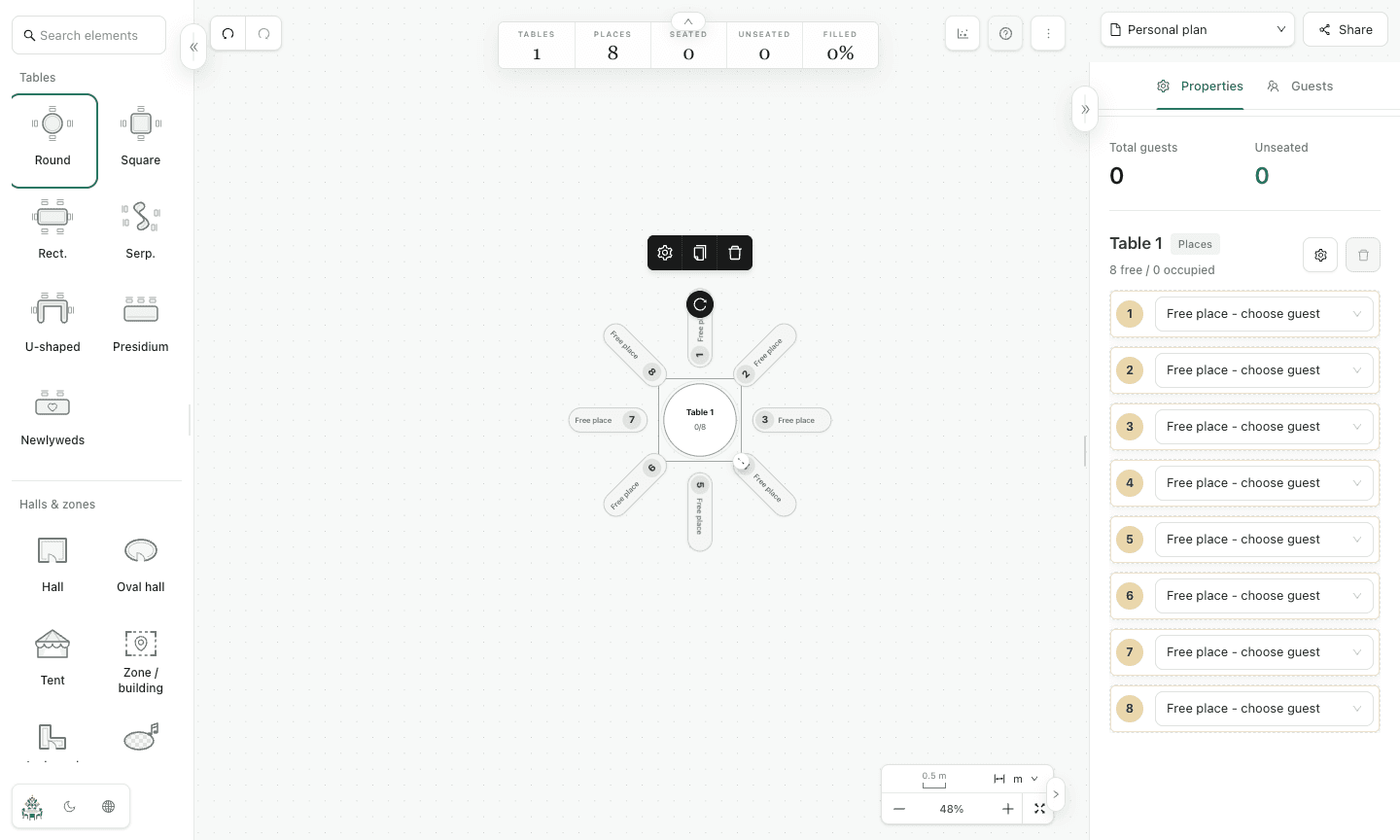
Build your plan in five steps
Add the guests who need a place
Create a wedding event and open Guests. Enter one name per line or import a CSV. Give each person a separate entry, including children who need a seat. Use labels for family, friends or other groups you want to find quickly.
Keep couples together
Create pairs for people who should sit together. Review the pair before assigning seats: grouping two names does not remove the need for two available places. Check guest labels when deciding which groups should share a table.
Match the plan to the reception room
Open Space, add the hall and place round, rectangular or other table shapes. Mark the entrance, dance floor, bar and stage where useful. Confirm dimensions and access routes with the venue.
Assign seats and resolve the unseated count
Set each table's capacity, then choose a guest for each place. Review the map's seated and unseated totals. When a guest cancels or a new name is added, update the list and check the assignments again before exporting.
Give the venue a readable final version
Export a PNG of the room layout, an Excel guest/table list or a PDF with the map and guest lookup. Keep a JSON backup for later edits. A shared map link lets recipients preview the seating; an event backup transfers a separate copy.
Example: 80 guests and eight tables
Eight tables with ten places provide 80 seats. Add 80 individual guests, label the groups and create the couples' pairs. After assignment, check that the summary shows 80 seated and zero unseated. If the venue needs an extra table for suppliers, add its capacity separately and decide who actually needs those seats. Capacity alone does not show whether every named guest has a place.
Before you send the plan
- Confirm the guest count and pairs before sending the chart.
- Check table names, seat assignments and the unseated count.
- Ask the venue to review the room layout, then export a dated final copy.
Common questions
- How do I seat guests at tables for a wedding?
- Start with the guest count and each table's capacity. Group people who know each other and keep couples together where possible. Assign every guest a place in the map, review the unseated total and confirm the layout with the venue before printing.
- Can I make a wedding seating chart without an account?
- Yes. Planlino saves the event in this browser. Export an event backup before moving to another device or clearing browser data.
- Can I print a wedding seating plan?
- Yes. Download the PNG or PDF and print it. Use Excel when the venue needs a table-by-table guest list.
- Can I move guests after making the chart?
- Yes. Change a guest's seat or adjust table capacity in the editor, then check the unseated total and export the revised plan.