
Company dinner seating: use table groups with a clear purpose
Should colleagues sit with their usual team, or meet people from another department? Ask this before assigning tables for a company dinner. A layout that suits a team celebration may not suit an evening for new colleagues and external guests.
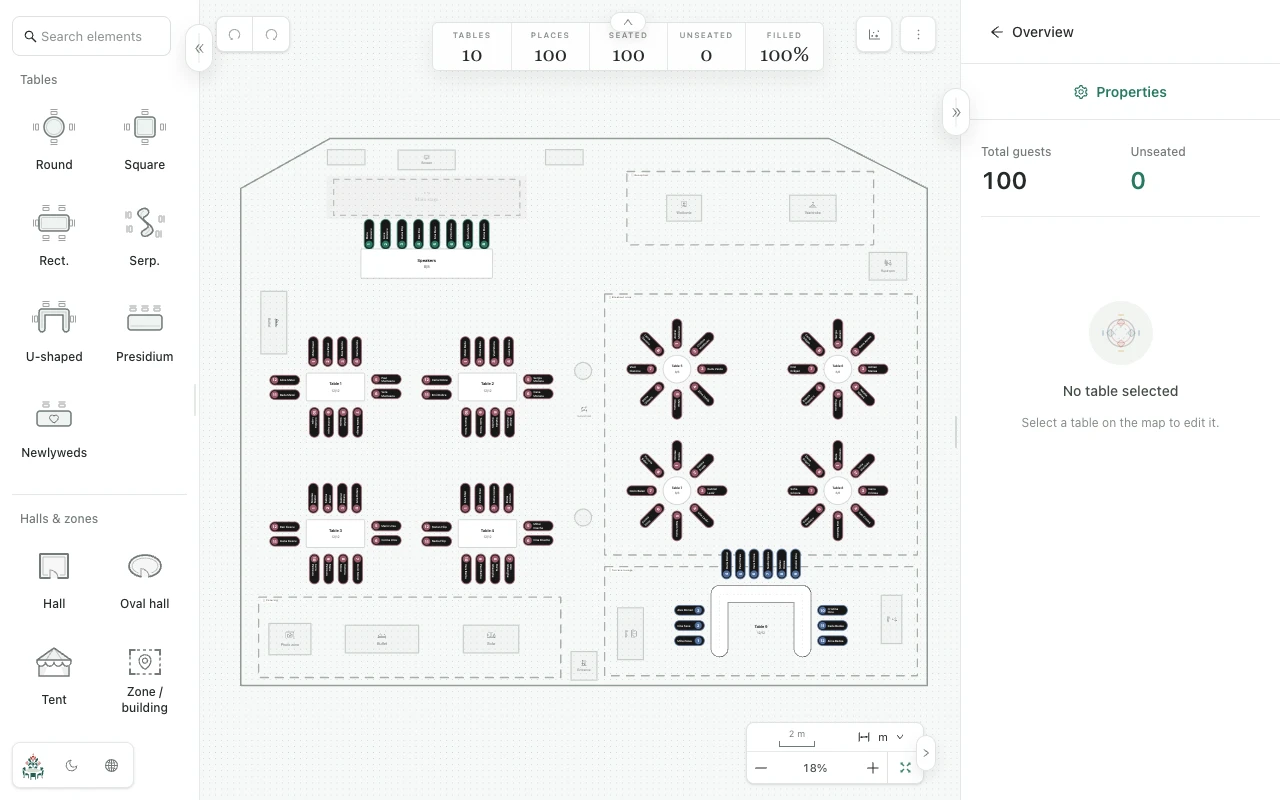
Count people, not departments
For example, 48 attendees can fill six tables with eight usable places each. If the 48 count excludes two hosts who also need seats, the real requirement is 50. Include hosts, speakers and external guests whenever they need a place.
Add each attendee as an individual guest in Planlino and apply labels such as Sales, Product or External guest. Labels help you find people for review; they do not automatically determine their table.
Choose how the tables will support the evening
For a team dinner, you might start with colleagues who already work together. For an introduction evening, you might distribute teams across tables. Ask the organizer which approach fits before making named assignments.
- Confirm the actual table capacities and furniture with the venue.
- Assign seats manually when department balance or a host's position matters.
- Review each table after automatic seating; the tool does not optimize professional roles or networking goals.
Check the handoff with the organizing team
Open the map and check that nobody remains unseated. Ask the organizing team to review external guests, hosts and any seating requests they have received. If a guest changes, update both the attendance record and the affected places.
Send a current PDF or PNG to the venue and keep an event backup for later revisions. A shared map link is a read-only seating preview; it does not publish the full task board or budget. Keep supplier details and preparation actions in the corresponding event pages.