
100 wedding guests: turn your list into a seating plan
Your guest list has reached 100 names. Before drawing the tables, check one thing with the venue: how many usable places does each table have? That answer gives you a starting layout. The next job is finding a place for every person on the list.
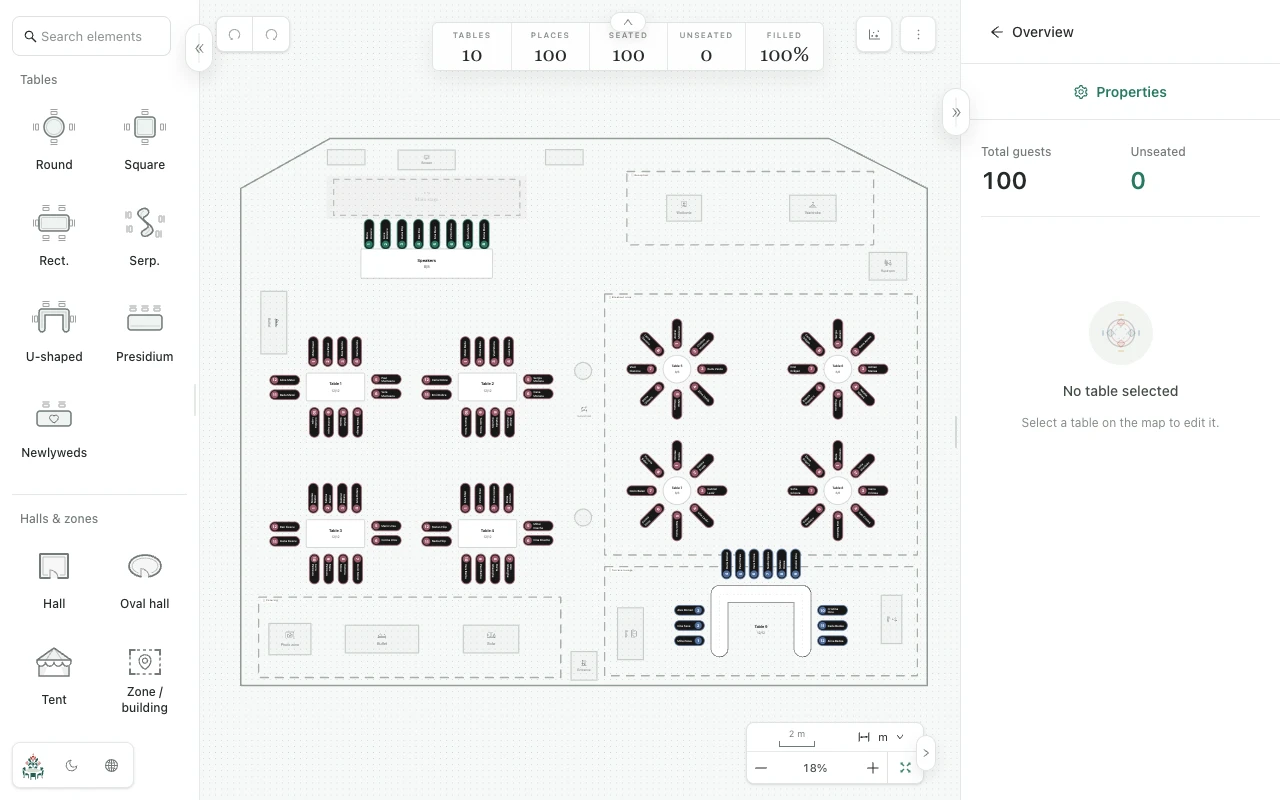
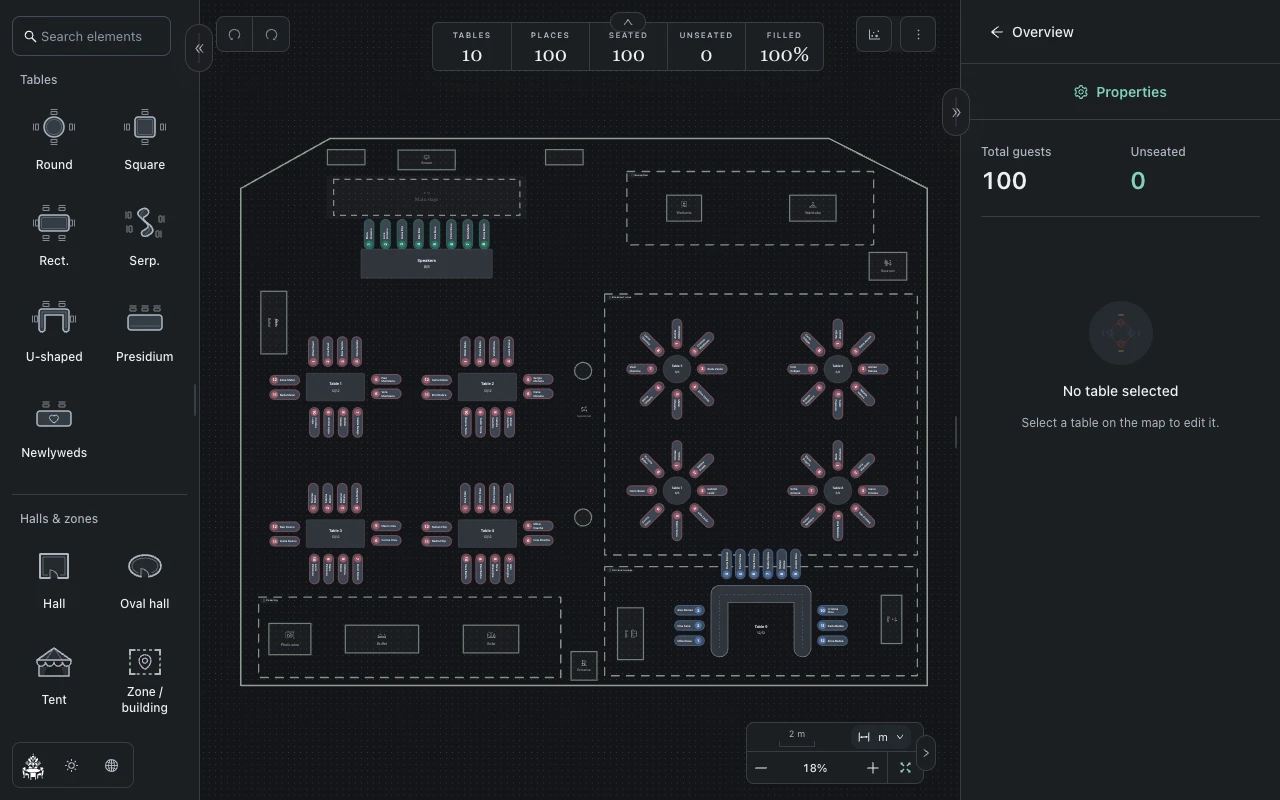
Count seats before choosing the arrangement
Suppose all 100 people need a seat and each table has 10 usable places. Ten tables provide exactly 100 seats. If the venue uses eight-seat tables, you need at least 13 tables: 12 provide only 96 places. Include hosts and any seated crew in your count.
These numbers describe capacity. They do not prove that the tables fit the room. Ask the venue to confirm the real table dimensions, entrances and walking routes before deciding the layout.
Build groups, then assign names
Add each person separately in Planlino's Guests page. Use labels such as Family, Friends or Colleagues to find the groups you want to review, and create pairs for couples who should sit together.
- Open Space and set each table's actual seat count.
- Assign guests manually, or try automatic seating with the guest pairs you defined.
- Review every table afterwards; group labels do not automatically keep a whole group together.
Make the final check about people
A map with 100 seats can still have unassigned guests. Check that the seated total is 100 and the unseated total is zero. If the list changes, check those totals again rather than relying on the old capacity calculation.
Export a seating PDF or PNG for the venue and keep an event backup for later edits. Ask the venue to use that exported version so the printed chart and your current plan agree.