
Wedding budget: track deposits without double counting
For a €5,000 catering quote with a €1,000 deposit already paid, the budget total stays at €5,000. The deposit is part of that price. Recording the payment separately helps you see what is left to pay, provided you do not count it twice.
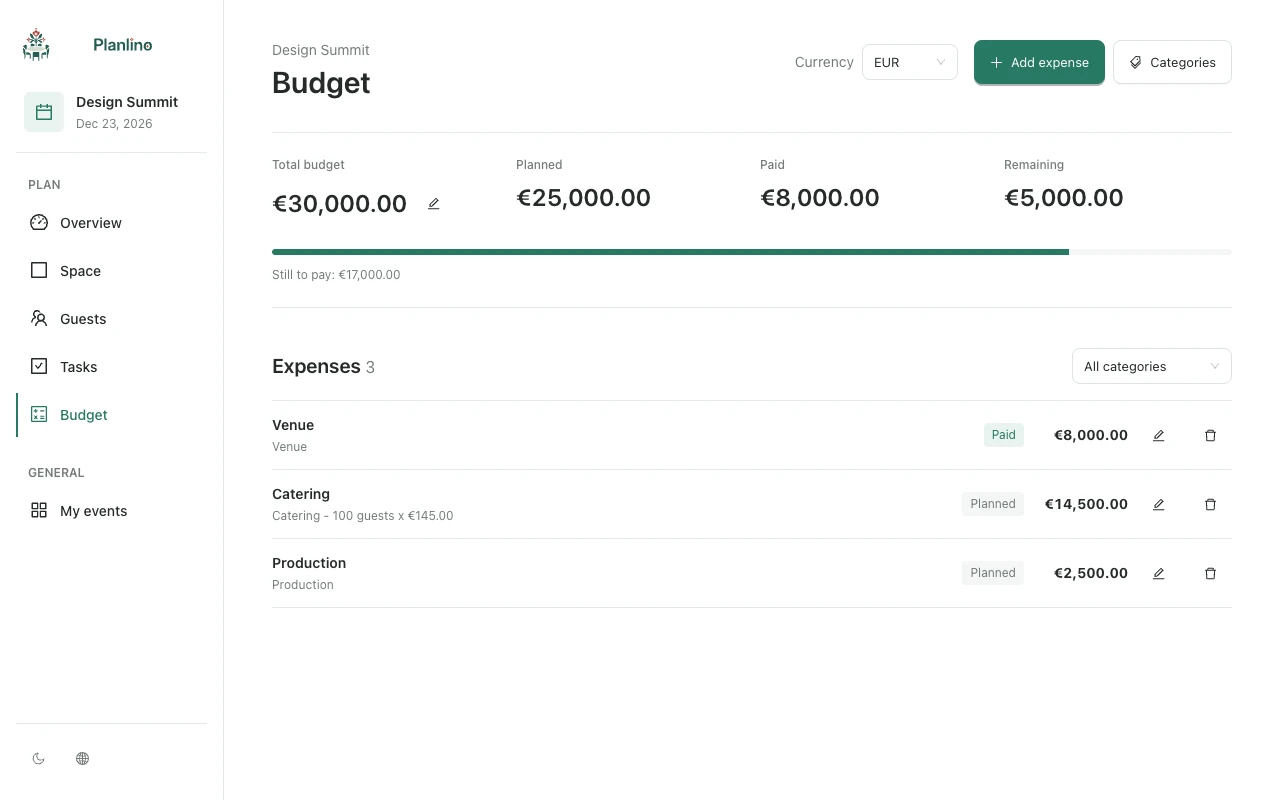
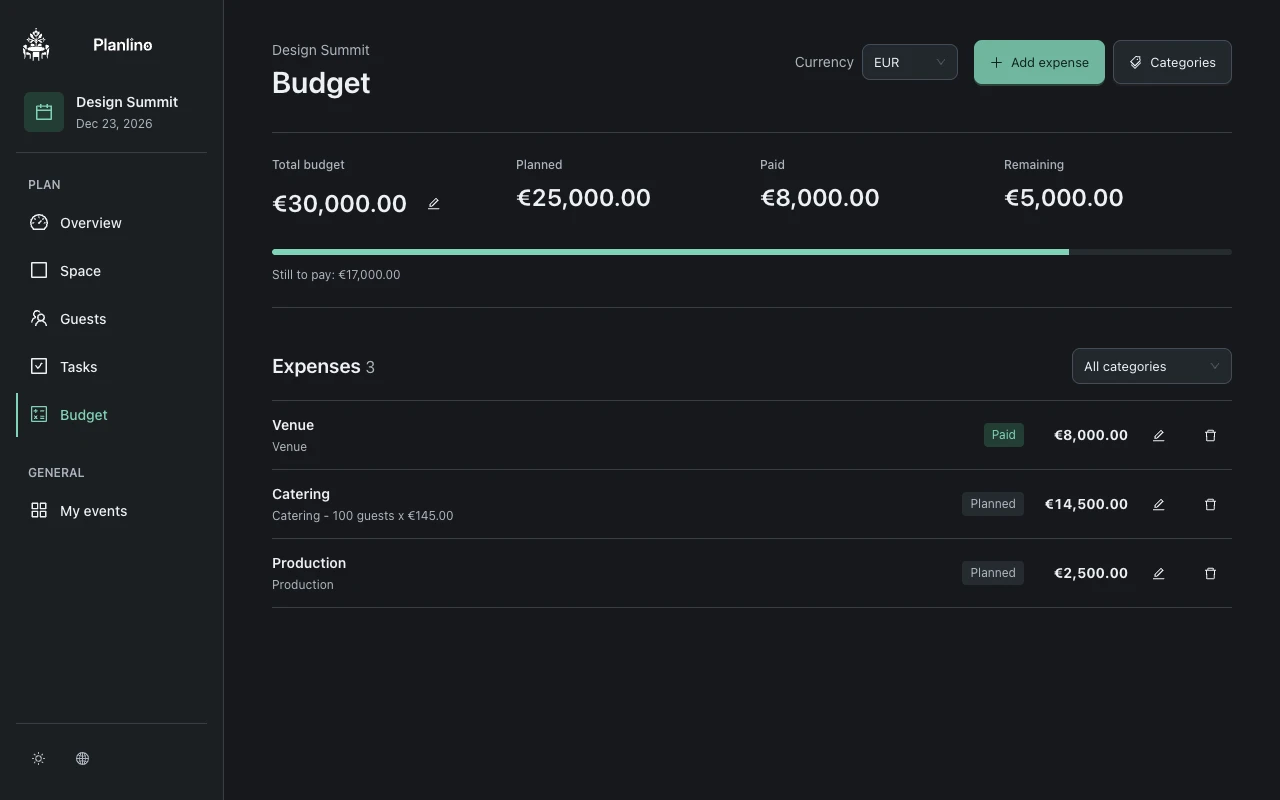
Write down the full price first
For this example, 100 meals at €50 come to €5,000. A €1,000 deposit leaves €4,000 to pay. Replace these example amounts with the prices and payment terms in your supplier's quote.
Keep that quote alongside your budget. When a number changes, you can check which price was agreed and which payment has already been made.
Use two lines when the payment is split
In Planlino, payment status applies to an entire expense line. For this example, create two lines in the same catering category:
- Catering deposit: €1,000, marked paid once it is actually paid.
- Catering balance: €4,000, left planned until paid.
- Do not keep an additional €5,000 full-quote line in the total; that would count the same cost twice.
Reconcile changes before marking the balance paid
If the supplier agrees to reduce the meal count to 90 at the same unit price, the revised quote is €4,500. With the €1,000 deposit already recorded, the remaining amount becomes €3,500. Update the balance line after confirming that change with the supplier.
Add a task for the balance deadline, review planned and paid totals against your budget target, then export an event backup. Recording a payment status is a record of your payment; arrange the actual payment with the supplier separately.