
Wedding RSVPs: keep track of replies without losing names
Some replies arrive by message, others during a call, and a few invitations are still unanswered. Put those replies in one list before changing table assignments. It saves you from trying to remember which count includes confirmed guests and which includes everybody invited.
Give each reply a clear label
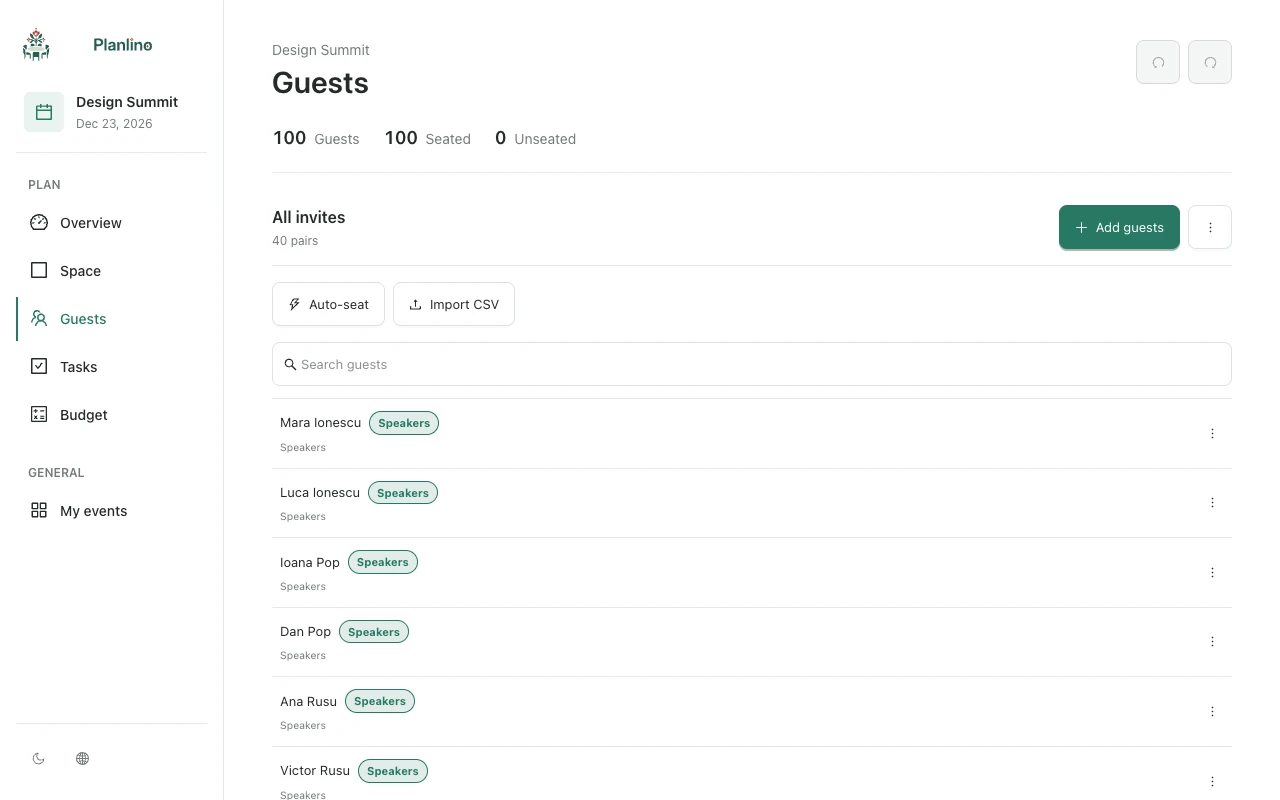
In Planlino, add labels such as Awaiting reply, Confirmed and Declined. Choose one attendance label per person, then replace it when their answer changes. A guest can also keep a separate label such as Family or Colleagues.
You enter these replies yourself. Planlino does not send invitations or collect RSVP responses, so keep using the contact method you agreed with your guests.
Count partners separately
If Ana confirms and says Ion will join her, make sure both people have their own entry. Label both as confirmed and link them as a pair if they should sit together. One message can confirm two people; one guest record still represents one person.
For example, a list of 80 invited people with 68 confirmed, seven awaiting a reply and five declined gives you 68 confirmed places to plan for now. The seven unanswered invitations still need a follow-up before the venue's deadline.
Decide which list goes into the final plan
Use labels to review the replies. A Declined label alone does not remove a person from the seating map. Keep an invitation record separately if needed, then make the event's working guest list match the attendance agreed with the venue.
After the deadline, check pairs, unassigned guests and menu quantities. Budget quantities are entered separately, so update them after the venue confirms the final count.