
Send the venue a seating plan it can actually use
A finished seating plan still needs a handoff. The venue team should be able to identify the tables, find the guest names and tell which file is current. Before sending the export, ask what format they want and who will use it on the day.
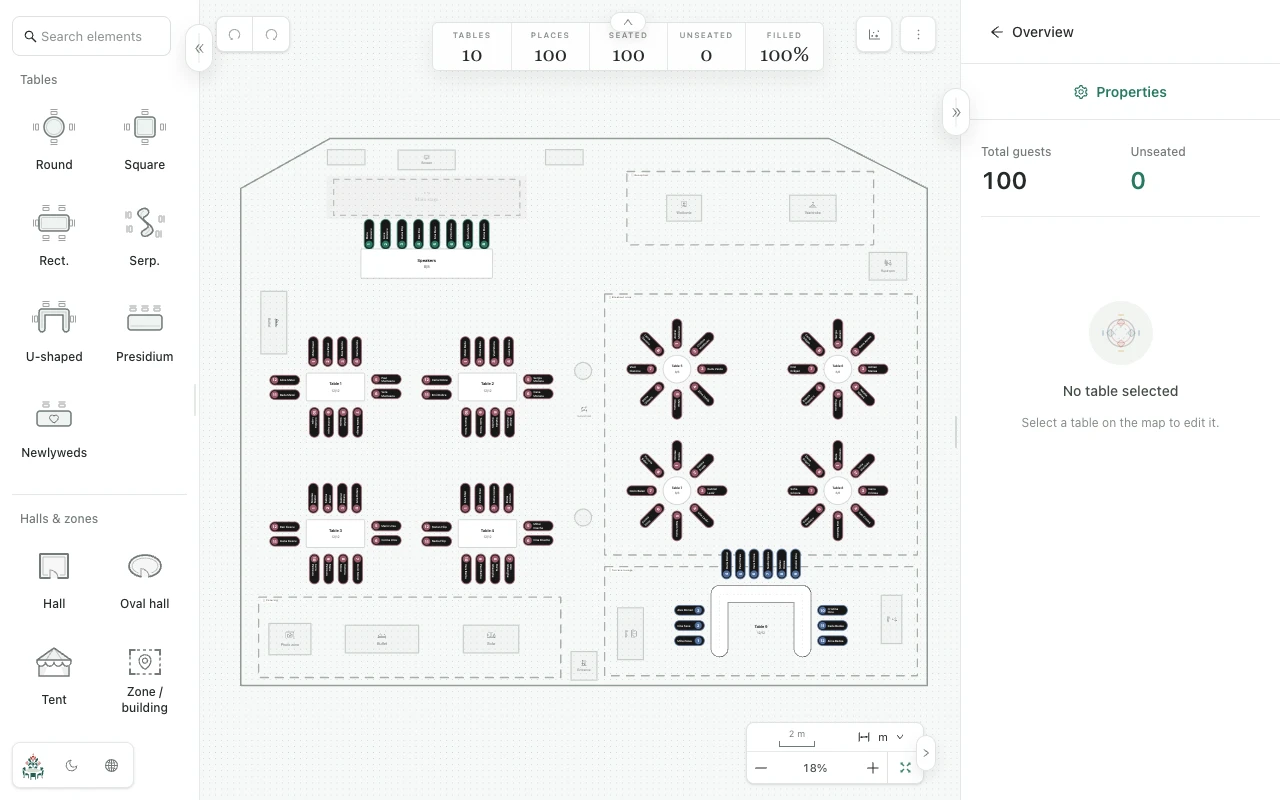
Agree on the table names
A table called Family in your plan may be Table 3 on the venue's setup sheet. Choose the names or numbers together and update the map before exporting. This is particularly useful if the team has already prepared table signs.
Review entrances, the stage and any other marked objects with the venue. A seating drawing helps the discussion, but the team still needs to confirm how the actual furniture will be placed.
Open the file before you send it
Export a seating PDF or PNG from Planlino, then open the downloaded file. Check guest names and table labels at the size the recipient intends to print or view. Zooming in on the map does not tell you whether a whole-room printout will be readable.
- Check that every expected guest has a place.
- Look for labels that overlap or become too small in the exported view.
- Ask the venue to confirm that it can open and read the file.
Make the current version obvious
Use a filename such as reception-seating-18-june-v2.pdf and say it replaces v1. If you change the map later, export again and send the replacement to the same contact. The old downloaded file will not update itself.
If you send a shared map link instead, it opens a read-only preview of the seating map. Share it only with the people who need that information; guest names shown on the map are visible in the preview. Keep your restorable event backup for your own editing and transfer.